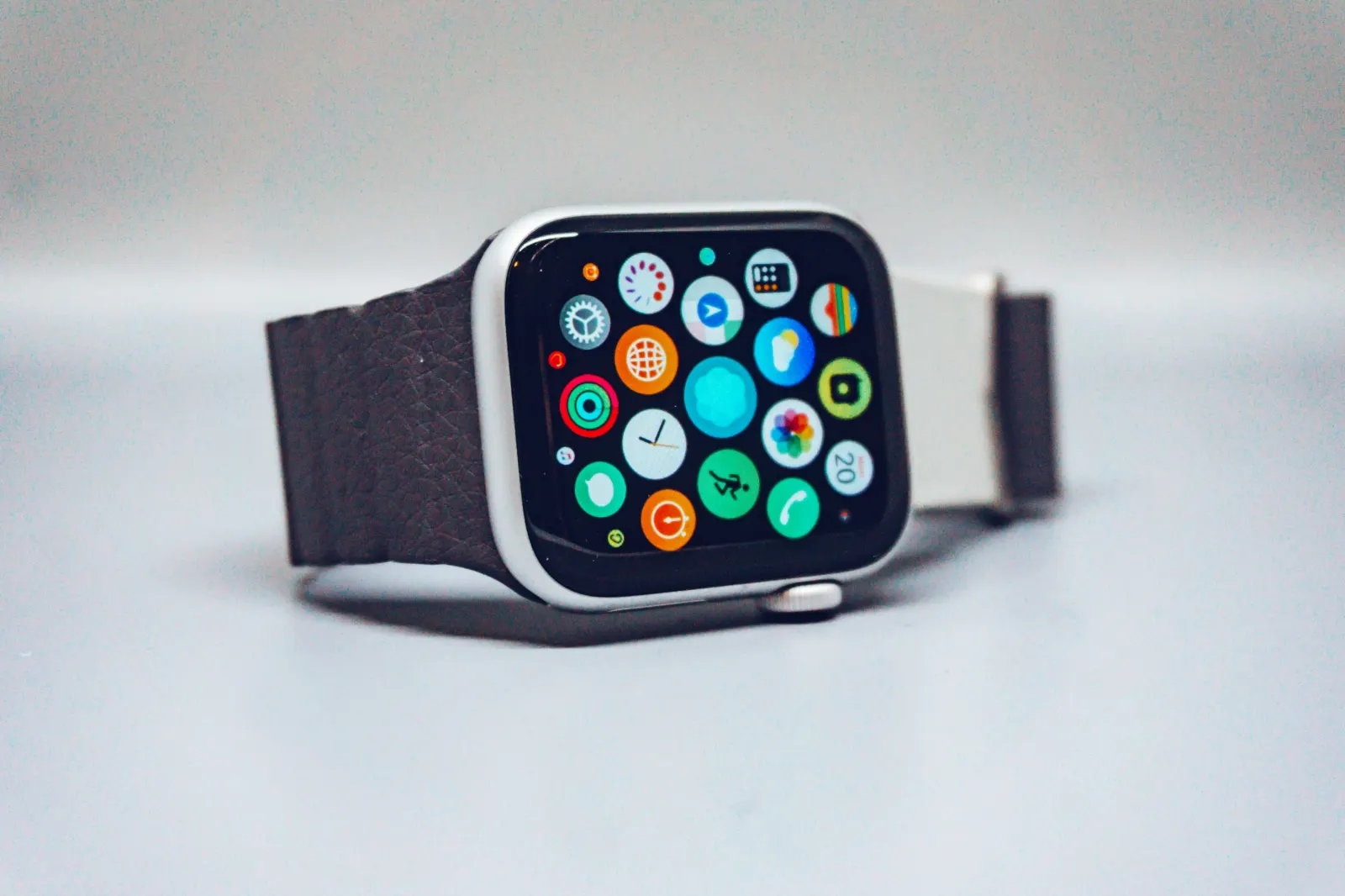
Before connecting running apps, decide which device records the workout and which service keeps the main copy. A successful connection does not mean every historical activity, route and health measurement will transfer in both directions.
Know the documented Apple-to-Strava path
Strava's current documentation supports uploads from Apple's native Workout app and sends eligible Strava activities to Apple Health. It limits native Apple Workout imports to the previous 30 days and excludes activities another app wrote into Health. That makes “it appears in Health” insufficient evidence that it can import into Strava. Check Apple Health and Strava for current eligibility and settings.
Test one activity before transferring a history
Make a short ordinary recording with the intended source app. Confirm its start time, duration and route in the source, then inspect the destination. Check whether you are seeing a new activity or another copy of an existing one. Keep the original until the transfer has been checked.
For older data, inspect the platform's documented import and export options. Strava lists recording, device sync, supported fitness-platform imports and file uploads as distinct routes into its service. See Strava's import guide. Do not assume a newly connected app will import your entire account history.
Check permissions and measurement meaning
Workouts, routes and heart-rate data can have separate permissions. Grant only the access needed for the intended transfer, and review connected services when you stop using them. Avoid enabling several circular sync paths that repeatedly copy the same activity.
A transferred heart-rate series does not necessarily transfer the source app's zone settings, training interpretation or every lap field. Compare the destination's settings and units before interpreting differences as lost data.
Runwiv availability
Runwiv describes Strava integration as part of its intended running workflow. Confirm the released import/export scope, account permissions and supported devices before depending on it for a history migration. Read the Runwiv integration page and current product facts. The presence of a logo alone is not evidence of a particular sync path.