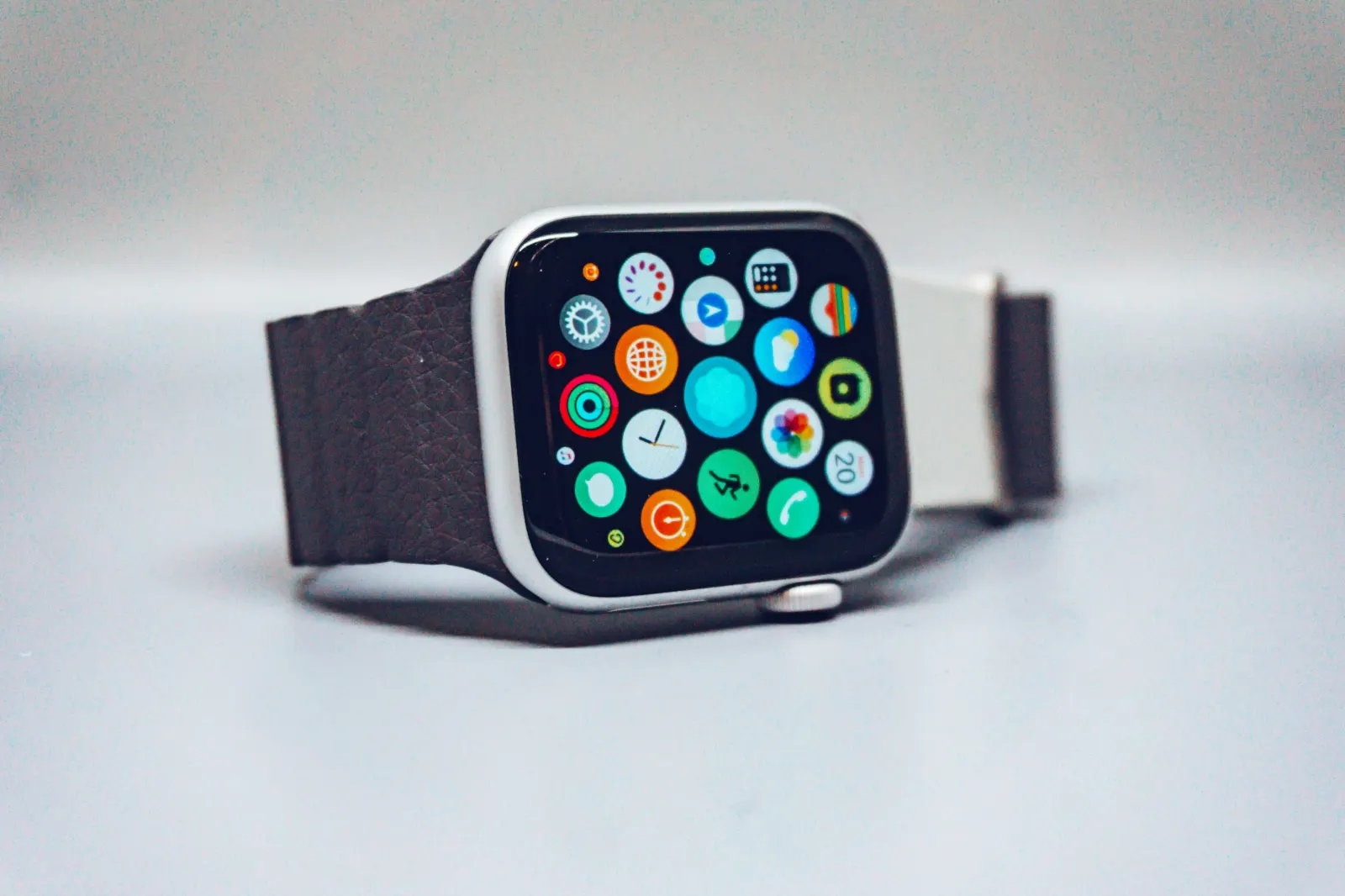
Choose the information you need during a run before filling a watch screen with metrics. Elapsed time, distance and an appropriate pace view may be enough. Additional fields are useful when you know which decision they will inform.
Configure a readable workout view
Apple's Workout app supports configurable views, with available metrics depending on the workout. Use the views and metric controls described in Apple's customisation guide, then test readability outside while stationary. Menu labels can differ with software version.
Keep current pace, average pace and lap pace distinct. Current pace can fluctuate; average pace covers the recording so far; lap pace covers the selected segment. An app displaying only a large pace number should also make clear which calculation it uses.
Power, cadence and heart-rate zones
Cadence describes step frequency. Running power is an estimate of effort expressed in watts, with implementation depending on the device. Apple's running guide lists supported running metrics. Do not assume values from different products are directly interchangeable, or turn one reading into a diagnosis of running technique.
Heart-rate zones depend on the thresholds configured in the app. Review automatic or manual settings using Apple's zone guidance. Copying a friend's thresholds does not establish suitable training intensity for you. A Health sync also does not prove every app uses identical zone definitions.
Alerts should support attention
Check the type, frequency and mute controls for pace or haptic alerts. Test them on an easy outing before depending on them in a race. A vibration can be missed and an instantaneous pace alert may respond to GPS variation. Stop safely before making complicated adjustments.
Maps and running without a phone
Offline maps and live sharing are separate features. Apple's offline-map instructions distinguish maps available through a nearby iPhone from maps synced to the watch. Verify the map is actually stored on the watch before leaving the phone behind, and check regional availability.
A watch recording GPS without a phone does not automatically mean a third-party app can broadcast live locations independently. Confirm app support, connectivity and battery behaviour on your exact setup.
Runwiv watch features remain subject to release. Review the Apple Watch product page and availability statement rather than treating a planned HUD or haptic interaction as a currently supported device feature.